
Facebook Marketplace Inventory Management: A Practical Listing Tracker

The simplest Marketplace inventory problem is also the most common: an item sells, but the ad remains live. A practical tracker connects each physical item to its listing URL and status. This article provides a small operational template, not a broad software survey, so a seller can reconcile stock, edits and conversations across a growing catalog.
Define the fields that matter
Make a table with internal ID, product name, category, location, quantity available, price, condition, photo folder, listing URL, listing status, last verified date and owner. Add a separate column for the order or sale reference, not the buyer's private information. A unique ID matters because two desks may have the same title but different condition. Keep the status vocabulary short: draft, ready, live, reserved, sold, withdrawn and needs review. Decide what “reserved” means for your business and when it expires. If several people edit the sheet, protect columns that hold formulas or identifiers. An easy-to-understand tracker is more useful than a complex dashboard no one updates.
Separate source data from platform status
The source record says what exists and what you can sell; the platform status says what buyers can see. Those are not always the same. A queued ad may be pending, a sold item may still show as live and an edit may not have propagated. Log the URL after publication and check it in a browser. If you change a price on Marketplace, update the source record or note the exception. If you edit the sheet, do not assume a live ad updates automatically. Reconciliation means comparing both sides and correcting whichever is wrong, not simply trusting the most recent timestamp.
Build a sale-to-closure procedure
When an item sells, identify its internal ID and the listing tied to it. Record the sale, then mark the public ad sold or remove it using the account's available controls. Confirm the change from the buyer-facing page. If the item is reserved rather than sold, keep the promise clear and set a reminder to resolve it. Do not leave an “available” auto reply active for a sold item. If several channels share one physical item, update each one under its own rules. A nightly review of today's sales against active URLs can prevent tomorrow's awkward “sorry, it's gone” messages.
Review errors that create duplicate listings
Two people can queue the same item on the same day. A failed job can be retried even though the first ad went live. A relist can create a new URL while the old one still appears. Use a unique ID and a queue status to catch these cases. Before posting, search the tracker for an active URL tied to that ID. After posting, record the resulting link. If the tool times out, inspect the live account rather than submitting the record again blindly. Multiple legitimate units of the same product need their own quantity and fulfillment rules; never claim stock you do not have.
Where software can help
FBVerse Bot's site describes bulk posting, listing queues and an AI inventory-management use case. Evaluate these claims with a small batch in your actual setup. The useful question is whether the workflow preserves item IDs, shows failed records and lets staff pause a sold item, not how many ads it can fire at once. If the software does not synchronize a particular channel or status in your configuration, keep that step manual and documented. Do not advertise an automatic stock sync without testing it. Connect buyer replies to current availability data so a helpful first response does not become a false promise.
Run a weekly audit
Select a random sample of active listing URLs and compare each with stock on hand. Check price, photo, condition and last update. Review records stuck in “reserved” or “needs review.” Count stale listings, duplicate IDs and buyer complaints, then fix the root cause. A tracker is not successful because every cell is filled; it is successful when staff can answer whether an item exists and when buyers see accurate information. Keep a copy of the previous week's state to investigate mistakes. As the catalog grows, assign named ownership for the audit rather than assuming everyone will notice discrepancies.
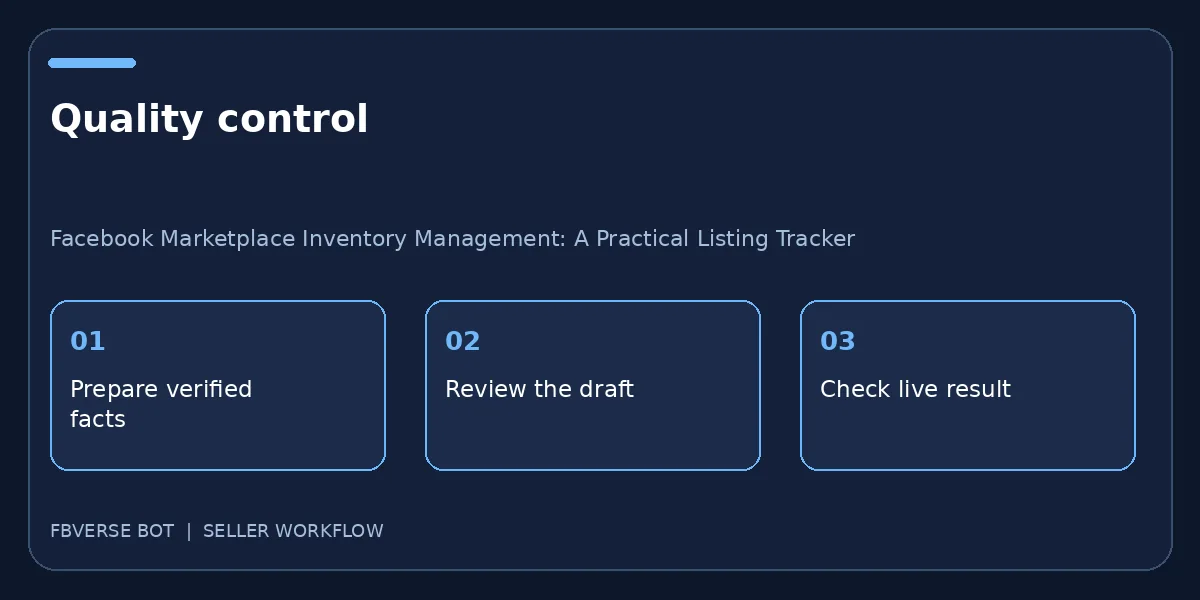
A three-step working checklist
- Assign unique inventory IDs. Verify the item details and that you have the right to list it.
- Link each live URL. Keep a record of the listing and review it after publishing.
- Close sold listings promptly. Update the listing or mark it sold when facts change.
Example daily reconciliation
At the start of a shift, compare yesterday’s sales log with the list of active Marketplace URLs. A green “live” status in a spreadsheet is not enough; open the relevant seller account or page and check the buyer-facing result. For every mismatch, record a specific next action: mark sold, edit the price, replace the photo, pause the queue or assign a colleague to investigate. During the day, have the person who confirms a sale update the item ID immediately. At closing, review pending posts and reservations that expire overnight. A separate “last verified” date lets the team sort neglected ads without changing the actual item status. This modest routine often does more for buyer trust than adding another hundred listings. If the catalog grows, automate the comparison where supported, but keep a human audit of exceptions.
Final quality check before publishing
One more operational check makes this process useful: pick an item that has already changed status, such as a sold product or a withdrawn rental. Walk through the exact steps the team would take now, and see whether the public page, the source record and any automatic reply all agree. If they do not, pause further batches and fix the connection between those records. A published listing is not an isolated piece of text; it is part of an ongoing promise to a buyer. Keep the correction traceable with a date, owner and final URL so the same issue is less likely to recur.
Frequently asked questions
What is the minimum tracker?
An item ID, stock status, price, owner and live listing URL are enough to start; add fields as operational needs arise.
Can a listing tool replace physical stock counts?
No. Reconcile software records with actual items and confirm buyer-facing status separately.
How often should I update my inventory tracker?
Update it when an item is reserved, sold, repriced or removed, and reconcile public listings with actual stock regularly.
Should I reuse one item ID for several products?
No. Give each distinct item or stock unit its own stable ID so photos, prices and buyer messages stay tied to the right record.
Where FBVerse Bot fits
FBVerse Bot describes this feature at FBVerse Bot feature details. Use it to handle the repetitive part of the workflow, but review the output, follow current Marketplace rules, and do not assume any tool can guarantee ranking, sales or account status.
Further reading
Marketplace features and eligibility vary by account and region. Verify current rules in your own account before acting.