
Facebook Marketplace Renew vs Delete and Relist: When to Use Each

Sellers often see “renew” and “delete and relist” and assume they do the same thing. They may not. The controls visible in an account, the age of a listing and the item category can change what is available. More important, a refresh will not repair an inaccurate price or missing photo. This comparison helps you decide whether to edit, renew, relist or retire an ad, then track the result without duplicating inventory.
Begin by checking whether the item is still available
Before touching a listing, confirm stock and price. If it sold or the rental is leased, mark it sold or remove it rather than refreshing it. If the item is available but the ad is wrong, edit the existing page where possible. A bad condition description does not become accurate when renewed. Record the listing URL, date published, item ID and last change in a simple tracker. This matters when several staff members manage the same catalog: one person may renew an item another has withdrawn. Treat the decision as an inventory decision first and a visibility experiment second.
Understand a renewal
A renewal typically acts on an existing listing through the controls the platform makes available. Check the current interface for eligibility and what it says will happen. Do not assume renewal is always offered, resets every signal or moves an item to the top of every buyer's search. If the control is greyed out or absent, read the account's explanation and consult Meta Help rather than seeking a workaround. Record that the action was attempted and whether the page remained live. If buyers saved the original listing, preserving its history and URL may matter to them, though the platform can change how it presents refreshed ads.
Understand delete and relist
Deleting and relisting creates a new publication cycle rather than simply editing a field. That may mean a new URL and a need to handle conversations tied to the old ad. Before using it, ensure the previous listing is removed or no longer active, and verify that the item is still available. Do not use it to hide a material defect, evade moderation or flood search with duplicates. If the option is unavailable, check eligibility and category rules. Save approved photos and description so the new listing accurately represents the item. A buyer should never arrive to find that the item, price or promised condition changed silently during a relist.
Choose the smallest action that fixes the problem
A typo or price update usually calls for an edit. An eligible aging listing with correct information may be a candidate for renewal. A relist is a larger operation and should be considered only when the platform offers it and the seller can handle the new page correctly. A sold item needs retirement, not renewed exposure. There is no universal number of days that guarantees a benefit. Run a small trial and watch inquiry quality and buyer confusion. If a tool reports “renewed” or “relisted,” verify the live page and inventory link rather than relying only on a status badge.
Use software for tracking, not a guarantee
FBVerse Bot describes automatic relisting and an F2 renewal workflow. Configure any such feature only for listings you have reviewed and are authorized to manage. Keep an explicit item ID, current live URL and action history. Use controls to avoid an old and a new ad being live for the same unique item at once. Do not treat timing and image-variation claims in marketing as proof that restrictions will be avoided or rank will improve. Meta decides which listing controls and distribution are available. Stop an automation run if a listing is flagged or information changes.
Audit after every batch
After a refresh cycle, compare the software log to the live pages. Confirm that the old URL behaves as expected, the new or renewed page shows accurate photos and the item is not duplicated. Check buyer conversations on the old page before retiring it; someone may be waiting for an answer. Measure real inquiries per available item rather than total views across repeated ads. An operationally useful refresh process keeps the catalog current and protects buyers from stale promises. If the work creates more correction than value, reduce the frequency and improve the source listings first.
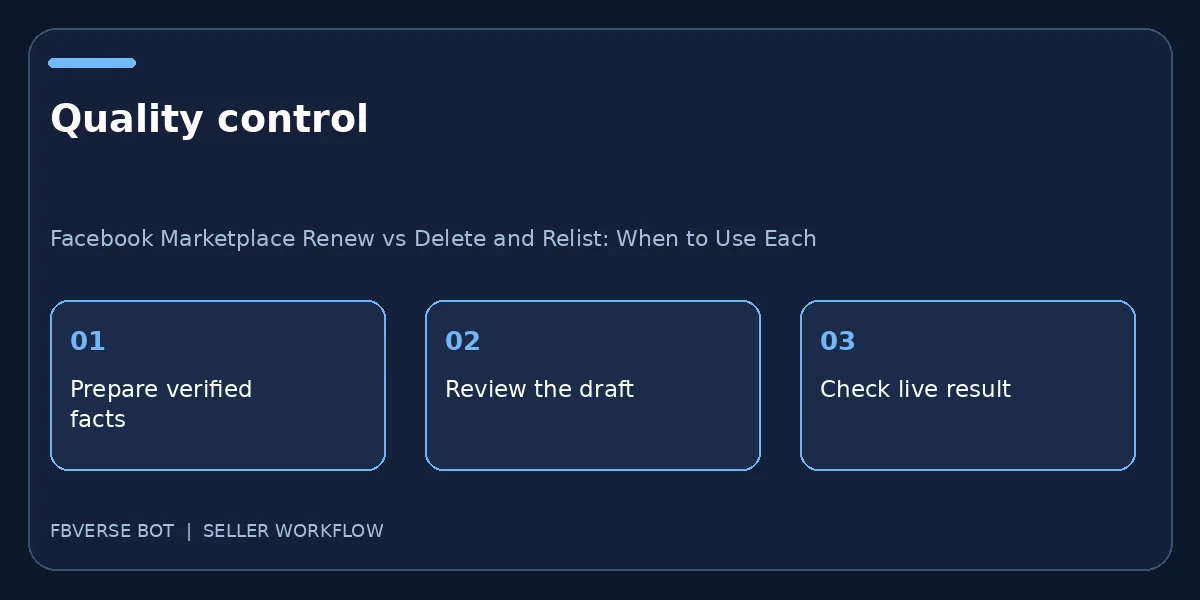
A three-step working checklist
- Verify current stock. Verify the item details and that you have the right to list it.
- Choose edit, renew or relist. Keep a record of the listing and review it after publishing.
- Audit the live URLs. Update the listing or mark it sold when facts change.
A simple decision record
For each item due for review, write down stock status, live URL, last edit, current accuracy and the action available in the account. If a desk has sold, retire it. If its price changed, edit the price and verify it appears correctly. If it remains accurate and renewal is available, decide whether that is worth trying, then log the result. If the platform offers delete and relist, check whether active conversations need a reply and whether the old page has been removed before accepting a new URL. Compare leads from comparable periods cautiously; seasonality, price and buyer location can all affect results. This record prevents a team member from mistaking a refresh schedule for an instruction to repost everything. It also gives you a clean path to reverse an unintended duplicate without guessing which record was original.
Frequently asked questions
Does renewal always reset search ranking?
No. Check the action available in your account; distribution is determined by the platform and is not guaranteed.
Should I relist a sold item?
No. Update its sold status or remove it rather than advertising unavailable inventory.
When should I use the built-in Renew action?
Use the action only when it is available for that listing in your account. Check the live result afterward; visibility is never guaranteed.
What should I check before deleting and relisting?
Confirm the item is still available, the facts and photos remain accurate, and no active conversation depends on the old listing URL.
Where FBVerse Bot fits
FBVerse Bot describes this feature at FBVerse Bot feature details. Use it to handle the repetitive part of the workflow, but review the output, follow current Marketplace rules, and do not assume any tool can guarantee ranking, sales or account status.
Further reading
Marketplace features and eligibility vary by account and region. Verify current rules in your own account before acting.