
Facebook Marketplace Auto Poster: What It Does and How to Set Up a Listing Queue

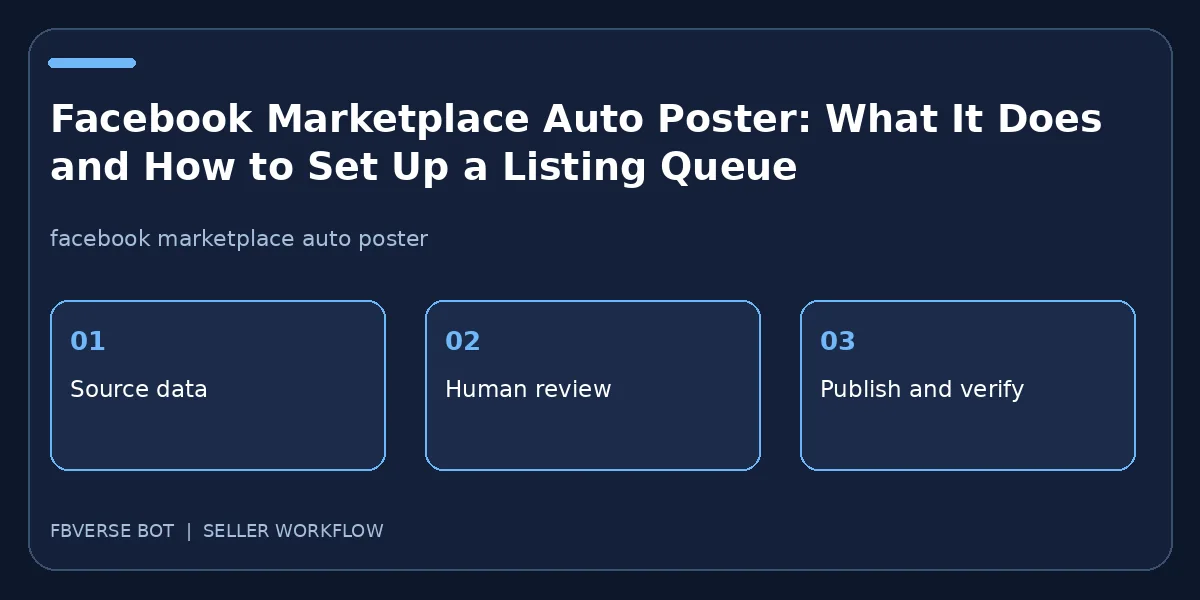
An auto poster is software that reduces repetitive entry and publishing work. It does not replace accurate product records, seller judgment or platform rules. Searchers often want to know whether it can post many items, how a queue is managed and what happens when a listing fails. This article outlines a practical setup that lets you inspect each result instead of treating automation as a black box.
Decide what the software should and should not do
Begin by mapping the manual process: collect inventory facts, choose photos, write copy, select a category, choose a location, publish and answer buyers. Those are different tasks. An auto poster may help fill forms and queue publication, while a separate system tracks stock and customer messages. List the fields that must be reviewed by a human, especially price, condition, availability and any regulated claims. Keep a written owner for each stage. If the software cannot show you what it plans to publish, do not delegate the whole inventory to it. The objective is to remove repeated typing without losing control over what a buyer sees.
Build a queue from approved item records
Create a draft queue with one record per real item. Attach each item's own photo set and location. Review titles for clarity and descriptions for factual errors. For a vehicle, check that the vehicle-specific fields map correctly; for property, check that rent, area and availability are current. Add a unique stock identifier to your internal process so the same item is not placed in two independent queues by accident. Separate drafts that are ready to publish from drafts awaiting approval. If the system offers saved templates, use them for repeated structure, not for repeating generic or misleading claims across every listing.
Choose a pace you can support
A team that can respond to ten buyer inquiries a day should not create a hundred fresh listings simply because a scheduler allows it. Choose posting windows that align with staffing, inventory freshness and the seller's region. Stagger batches to make the work reviewable. The platform may change posting limits, interfaces or eligibility; no timing recipe guarantees visibility or prevents account restrictions. Keep an alert for paused or failed jobs, and inspect the reason instead of blindly retrying. A duplicate listing can confuse buyers and split responses across two threads. Log the planned time, actual result and person responsible for follow-up.
Verify the output and catch partial failures
After a trial run, open a sample of the published listings from a buyer's perspective. Make sure the category, photo order, price and pickup area survived the posting step. Record a link for each successful page. A job that reports success may still need a public-page check; a job that stops halfway may have created some pages already. Reconcile the queue against the live listing set before resuming. If a record failed, repair the missing field or permission and retry that record alone. Maintain a status such as posted, needs correction, sold or withdrawn. This makes the automation accountable rather than turning it into a second untracked inventory system.
Use FBVerse Bot for the repetitive part
FBVerse Bot's auto-listing and bulk-posting pages describe templates, photos, prices, categories, locations, scheduled queues and progress monitoring. That is a reasonable fit for a seller who already has clean item data and needs to publish repeatably. Test with a small batch before a larger queue. Do not read marketing language about “human-like” behavior as a promise of platform approval. Sellers are still responsible for account permissions and current Meta policies. Keep access limited to accounts you own or are authorized to manage, and audit the resulting listings regularly.
Measure the value of the workflow
Track time spent preparing a batch, correction rate, buyer response time and sales attributable to accurate live listings. Comparing only the number of published ads encourages volume without quality. A listing queue should make it easier to pause an unavailable product, fix a title and answer a buyer quickly. Review a few listings each week and ask whether the photos match the products and whether the description answers the repeated buyer questions. Adjust the template based on those findings. If the queue causes more duplicate ads or unanswered inquiries, reduce volume until the process is reliable.
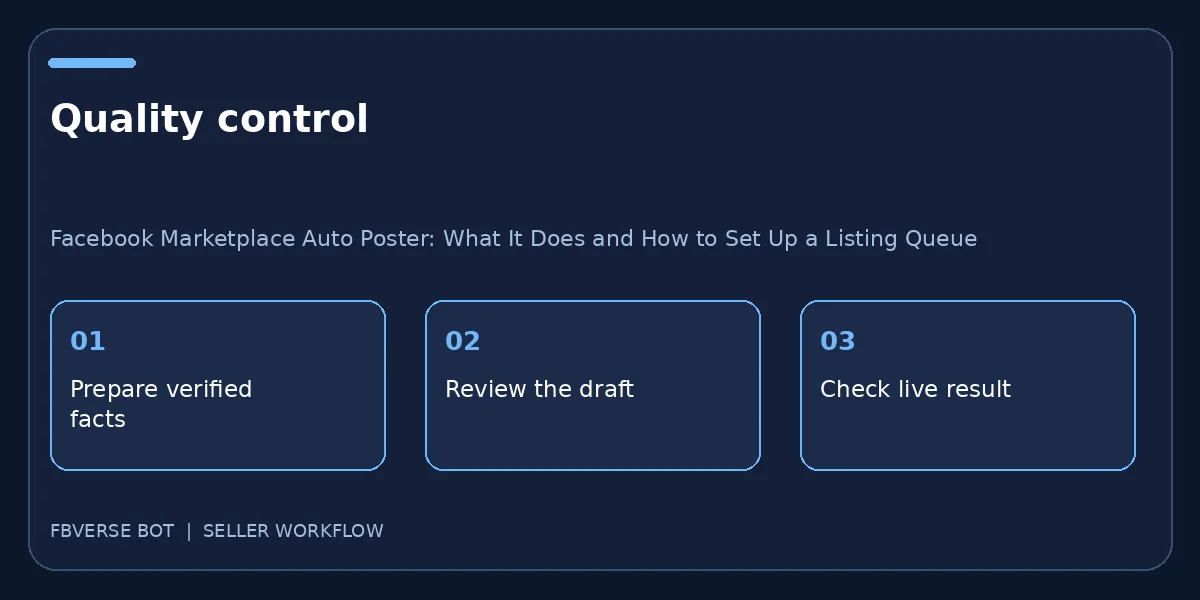
A three-step working checklist
- Approve item records. Verify the item details and that you have the right to list it.
- Schedule a limited pilot. Keep a record of the listing and review it after publishing.
- Check every published result. Update the listing or mark it sold when facts change.
A pilot plan for a busy seller
On day one, export ten actual stock records and divide them into ordinary items, vehicles and property if those categories apply. Ask the reviewer to check photos and prices before scheduling. On day two, publish a small approved subset and capture each live URL. On day three, compare the published fields with the source and ask staff whether the queue made buyer messages easier to handle. Resolve mismatches before adding more records. On day four, simulate an item selling after being queued: can the team cancel it before publication? On day five, test a failed photo upload and a paused account without repeating the whole batch. These exercises expose gaps that a perfect demo listing will not show. Only expand the queue after someone can explain how to stop it, correct it and reconcile it with physical inventory.
Frequently asked questions
Will an auto poster guarantee more views?
No. Visibility depends on buyer interest, listing quality, location and the platform. Software can reduce repetitive work, not guarantee ranking.
What if a batch fails halfway?
Check which listings already went live, repair the affected records and retry only the missing ones to avoid duplicates.
How large should my first posting batch be?
Begin with a small representative batch so you can check titles, images, categories and live results before scheduling more.
How do I avoid duplicate posts after a failed queue?
Compare the queue log with live Marketplace listings, then retry only the records that did not publish. Do not treat a timeout as proof nothing posted.
Where FBVerse Bot fits
FBVerse Bot describes this feature at FBVerse Bot feature details. Use it to handle the repetitive part of the workflow, but review the output, follow current Marketplace rules, and do not assume any tool can guarantee ranking, sales or account status.
Further reading
Marketplace features and eligibility vary by account and region. Verify current rules in your own account before acting.