
Facebook Marketplace Bulk Upload: How to Prepare a Spreadsheet of Listings

If you sell more than a handful of products, entering each title, price and description by hand becomes slow and error-prone. A spreadsheet can become the source of truth for a repeatable listing process. But bulk upload is not a magic button: the platform's available tools vary by seller and market, and a clean sheet still needs accurate item details and photos. This guide shows how to prepare the data, check it and use a listing workflow without publishing bad records at scale.
Start with one row per item
Give every item a unique internal stock ID even if the public listing never displays it. A simple sheet can have columns for title, category, price, currency, condition, description, location, photo filenames and status. Add category-specific fields rather than forcing a vehicle or apartment into a generic product template. For a car, record year, make, model, mileage and title information as applicable. For a rental, record bedrooms, bathrooms, floor area, lease terms and actual availability. Separate facts from sales language. A price cell should contain a number; do not mix a currency symbol and the words “or best offer” in the same field. Keep a status column such as draft, ready, live, sold or withdrawn. This lets the team identify which rows are eligible to publish without relying on color-coded cells that a program cannot read.
Write titles and descriptions for humans
The title should name the product plainly, with the most useful identifying attributes. A short “2019 sedan, 68,000 miles” is more useful than a string of repeated keywords. Put the condition, dimensions, known defects, included accessories and pickup terms in the description. If you sell variants, make each row distinct and honest. Do not claim a product is new if it has been used, and do not hide damage in a photo caption. Your spreadsheet is an inventory record, not a license to flood a local market with nearly identical ads. Read Meta's current commerce policies before publishing. If an AI tool drafts copy, compare every generated claim to the underlying item record.
Make the photo references unambiguous
Use a predictable naming convention, such as the stock ID followed by an angle number. Keep a primary photo field and a field for the remaining photo paths. Open a sample of the files before import; broken paths and rotated images waste more time than typing a few listings manually. Do not reuse a picture of a different item just because the model and color look similar. For used products, include pictures of wear, labels and size so buyers can judge what they will receive. If the listing tool accepts a folder rather than URLs, keep that folder alongside the sheet and do not rename it after mapping. Sensitive location metadata in photos can be removed as a privacy step, but don't alter the image to misrepresent the item's condition.
Validate a small batch before scaling
Run checks for missing titles, negative prices, blank photos, duplicate IDs and implausible category fields. A ten-row pilot is more informative than a thousand-row upload followed by corrections. Preview one draft from each category, including the first and last row, because column shifts often show up at file boundaries. Confirm that the displayed currency and location are the ones you intended. After posting, record each platform listing URL or identifier back into the sheet. Track failures separately from successes; retrying a partially posted batch blindly can create duplicate ads. If a tool reports an error, resolve the underlying field or permission first rather than repeatedly submitting the same records.
Connect the sheet to a sensible workflow
Meta's Help Center has a page on using a spreadsheet for multiple Marketplace listings, but availability and controls should be checked in the seller's own interface. FBVerse Bot also has a CSV Listing Builder and a bulk-posting workflow described on its site. Use the builder to structure records, then review them before queueing. If you manage more than one permitted seller identity, keep authorization and ownership clear for each account. Set conservative pacing based on operational capacity, not a belief that a posting interval guarantees approval or reach. Export a copy of the accepted rows and maintain a change log so a colleague can correct a mistaken price without guessing which batch created it.
Review live inventory rather than treating upload as completion
A listing is a promise to a buyer that the item exists as described. Check that the pages are live, the pictures load and the category is appropriate. When an item sells elsewhere, change the status in your source sheet and mark the listing sold or remove it as appropriate. Schedule a weekly reconciliation of live listings against physical inventory. If someone changes a title in the platform directly, either mirror that edit back to the sheet or note that the sheet no longer represents the live state. Avoid creating a second listing for a revised price when an edit would do. The best bulk process is measured by fewer corrections and better buyer answers, not by how many records were pushed in one session.
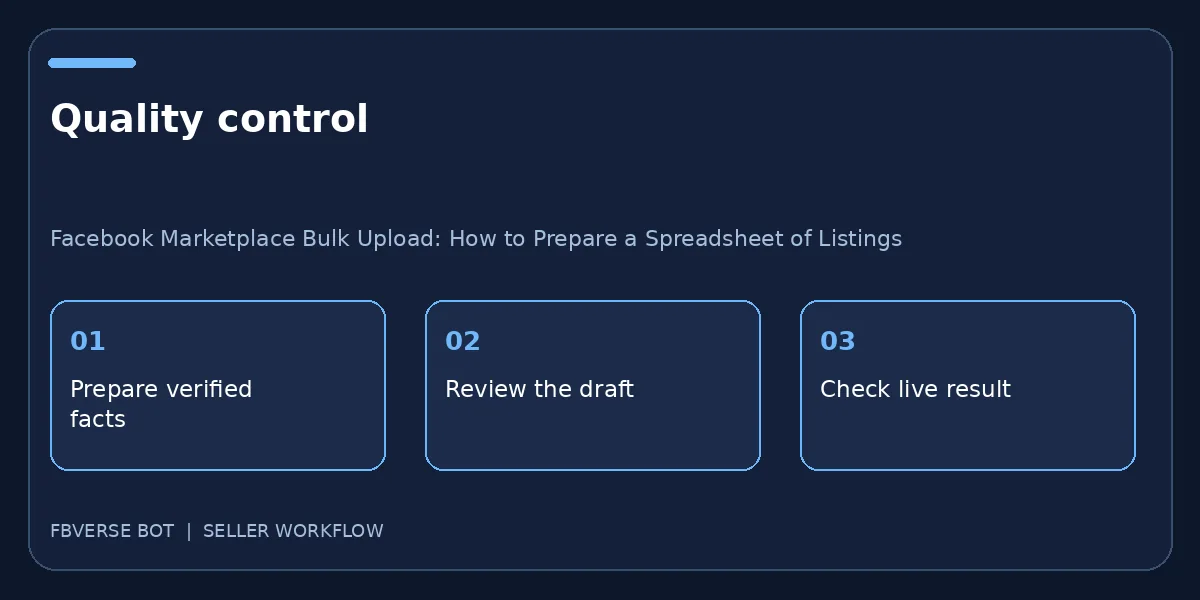
A three-step working checklist
- Clean the spreadsheet. Verify the item details and that you have the right to list it.
- Pilot a small batch. Keep a record of the listing and review it after publishing.
- Reconcile live listings. Update the listing or mark it sold when facts change.
Frequently asked questions
Can every seller upload a CSV directly to Marketplace?
Do not assume so. Check the options in your own account and region; Meta documents spreadsheet workflows, and third-party tools may prepare or post listings through different flows.
How many items should I test first?
A small batch that represents every category and image format is safer than a full inventory upload. Verify the resulting live pages before expanding.
Which columns should my listing spreadsheet include?
Use one row per item, with a stable item ID, verified title, price, condition, category, location, photo references and stock status.
What should I verify after a bulk upload?
Open a sample of live listings and compare their titles, prices, images and locations with the source sheet. Check failures and duplicates before another batch.
Where FBVerse Bot fits
FBVerse Bot describes this feature at FBVerse Bot feature details. Use it to handle the repetitive part of the workflow, but review the output, follow current Marketplace rules, and do not assume any tool can guarantee ranking, sales or account status.
Further reading
Marketplace features and eligibility vary by account and region. Verify current rules in your own account before acting.