
Facebook Marketplace Multiple Accounts: Organization, Rules, and Risks
Managing several Facebook identities is not simply a software setup question. Meta's rules on authentic identity, account access and Marketplace eligibility still apply. A business with authorized staff or seller accounts needs a clear map of who owns what, what each account may do and where the inventory is listed. This guide is an organization and policy checklist, not advice for creating fake identities or avoiding account restrictions.
Start with the reason for multiple identities
Write down which legitimate business task each account serves and who controls it. A personal seller identity, an authorized employee account and a business asset are not interchangeable. Do not create an extra personal identity merely because a posting limit or restriction is inconvenient. Check Meta's current terms and the account's Marketplace eligibility before assigning listings. If the same physical item is advertised through different authorized channels, decide which listing is primary and how stock status will remain consistent. Without that map, multiple logins create duplicate ads, missed buyer messages and disputes over who promised what.
Create an access and responsibility register
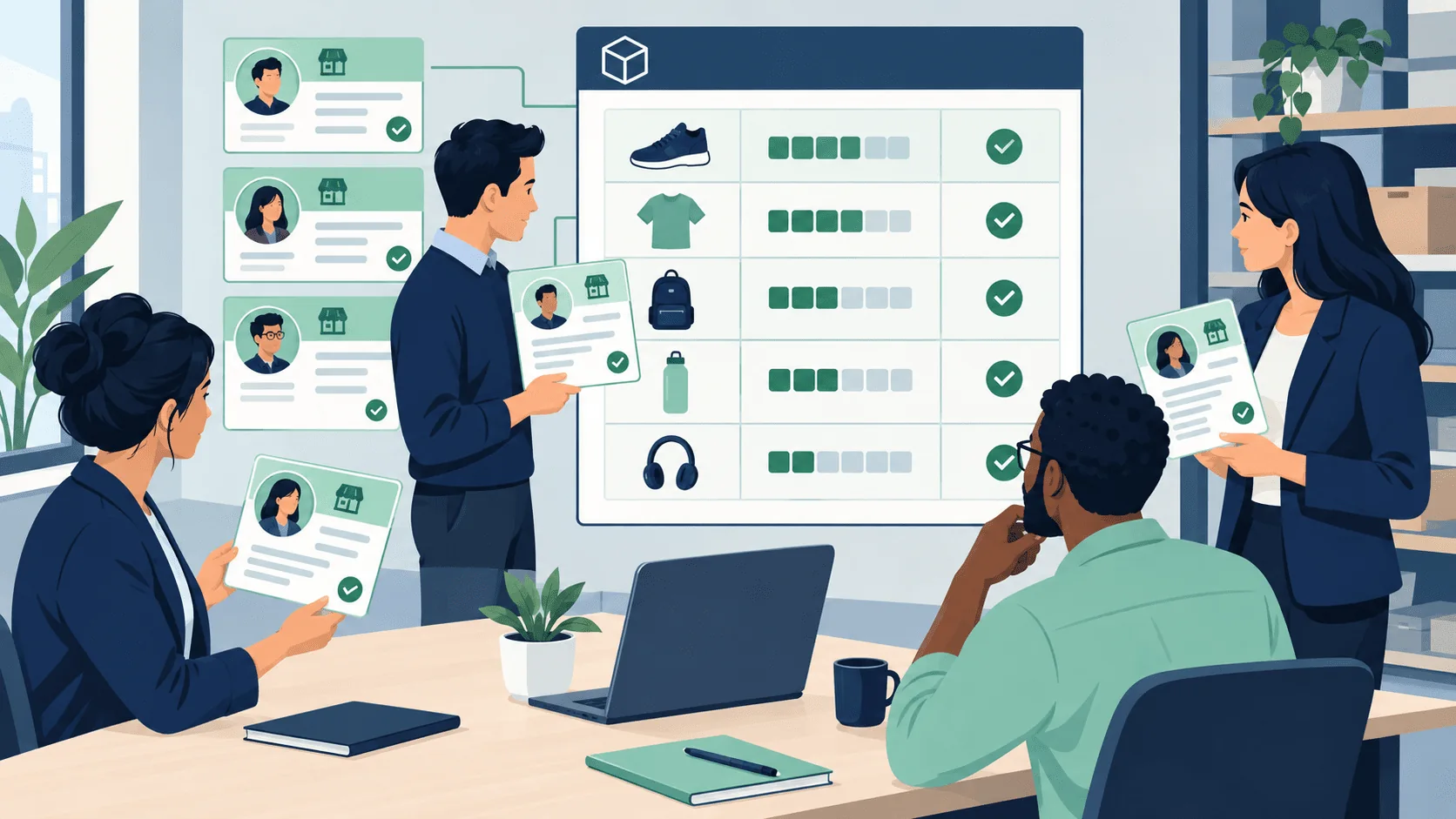
For each authorized account, record an internal label, owner, manager, permitted categories, geographic service area and a secure method for access recovery. Avoid putting passwords, session cookies or recovery codes in a shared spreadsheet. Grant access through the platform's supported permissions wherever possible. Decide who reviews the listing copy, who responds to buyer messages and who handles appeals. Staff should know which identity they are using before they post or reply; a correct message from the wrong account can still confuse a customer. Review access when someone changes roles or leaves the business.
Keep inventory separated and synchronized
Tag every physical item with one stock ID, then list the exact active URLs and their account owners. A product sold through one seller identity should not remain advertised by another. Maintain status transitions such as draft, live, reserved, sold and withdrawn. When a price changes, assign a person to verify all active ads. Do not replicate identical listings broadly to dominate search; Meta may treat duplicate activity differently from legitimate stock management. Keep evidence of your right to sell and the item's actual location. Good coordination reduces customer confusion even before software enters the process.
Evaluate browser-profile tools carefully
FBVerse Bot describes a centralized account and browser manager with listing queues and account-status information. That may help an authorized team see which session is active and which queue is paused. It does not grant permission to create or use an identity, make policy violations safe or guarantee an account will remain active. Treat proxy and “anti-detect” marketing claims skeptically as a compliance matter; do not use them to conceal identity or bypass a platform restriction. Test whether the interface clearly labels the selected account before approving any post. Maintain a human review step for unfamiliar sessions or failed logins.
Handle restrictions through official channels
If an account loses Marketplace access, read the notice in that account and follow Meta's correction or appeal steps. Preserve the relevant listing details and a screenshot of the notice. Stop any affected queue so it does not repeatedly fail. Do not shift the blocked activity to another identity or switch network settings to evade a restriction. A software dashboard may show that a job failed, but only the platform can explain its enforcement decision. A restriction also provides a reason to audit the underlying content, permissions and posting practices before more listings go out.
Audit the operation regularly
Once a week, compare the account register, item IDs and live URLs. Look for items still live after sale, staff using accounts they no longer manage and queues with repeated errors. Review a sample of buyer replies to ensure the sender and product match. Update the documented process when Meta changes its controls. A multi-account system is useful only if it makes ownership more visible; a single account with clear staffing can be preferable to several poorly controlled identities. Measure mistakes and response quality rather than the number of sessions that can be opened at once.
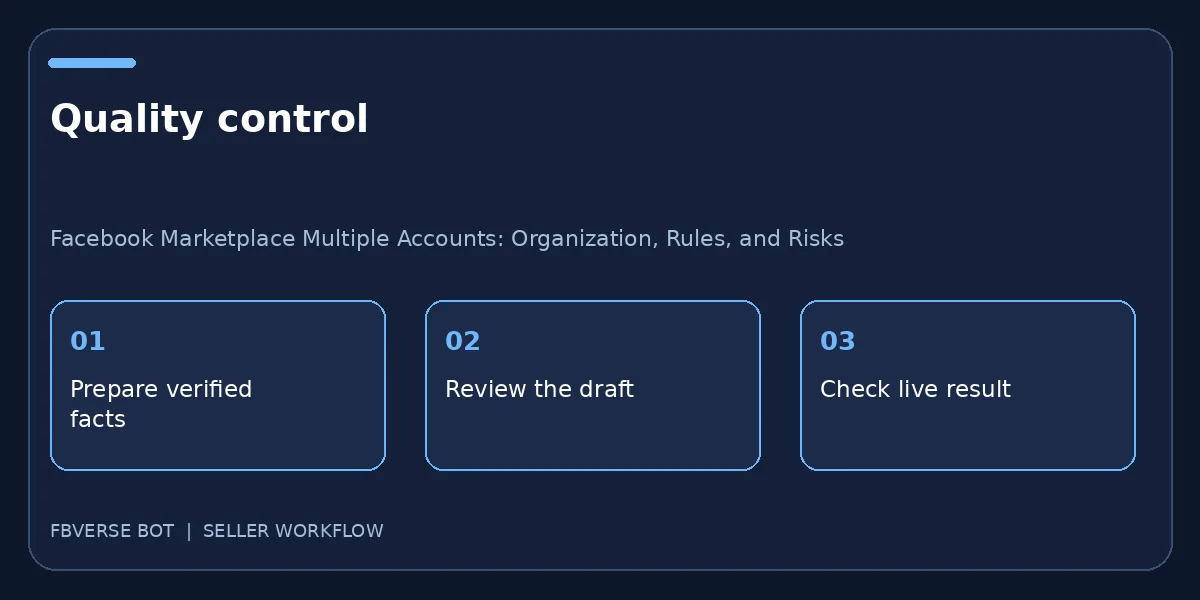
A three-step working checklist
- Document account ownership. Verify the item details and that you have the right to list it.
- Link inventory to each account. Keep a record of the listing and review it after publishing.
- Audit permissions and live listings. Update the listing or mark it sold when facts change.
A safe team handoff
When a new employee joins, identify the legitimate business account or asset they should use, grant only the supported permissions needed for their role and document who supervises it. Provide a written map of item categories and buyer-response ownership. Do not share a master password in chat or copy browser sessions between people. Ask the employee to check the account label before publishing a test listing; a session mix-up can place a real item under the wrong seller. When that employee leaves, remove access through the platform and review any scheduled posts or open conversations they managed. Keep an inventory export independent of one person’s browser profile so continuity does not depend on a single device. This is organizational hygiene, not a technique to multiply artificial identities.
Final quality check before publishing
One more operational check makes this process useful: pick an item that has already changed status, such as a sold product or a withdrawn rental. Walk through the exact steps the team would take now, and see whether the public page, the source record and any automatic reply all agree. If they do not, pause further batches and fix the connection between those records. A published listing is not an isolated piece of text; it is part of an ongoing promise to a buyer. Keep the correction traceable with a date, owner and final URL so the same issue is less likely to recur.
Frequently asked questions
Can software make multiple personal accounts policy-compliant?
No. Check Meta rules and use only identities and permissions you are authorized to use.
What should I do if an account is restricted?
Pause its queue, read the platform notice, correct any actual issue and follow the official appeal process.
Can I share one personal Facebook login with a team?
Do not assume shared credentials are allowed. Review Meta's current rules and use authorized business roles or access controls where available.
How should I document account permissions?
Record who owns each account, which business assets they may manage and when access changes. Remove access that is no longer needed.
Where FBVerse Bot fits
FBVerse Bot describes this feature at FBVerse Bot feature details. Use it to handle the repetitive part of the workflow, but review the output, follow current Marketplace rules, and do not assume any tool can guarantee ranking, sales or account status.
Further reading
Marketplace features and eligibility vary by account and region. Verify current rules in your own account before acting.