
Facebook Marketplace Rental Listings: A Repeatable Workflow for Property Managers

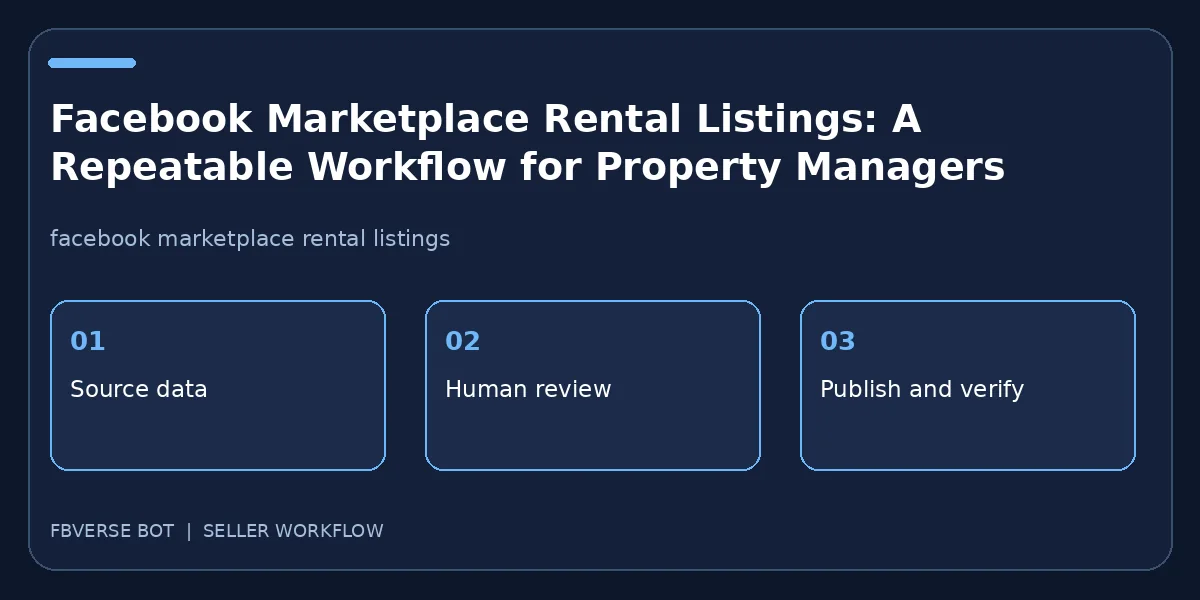
A rental ad is more than a photo and a monthly price. Renters need the actual availability, location, lease terms, property features and a trustworthy way to inquire. A repeatable workflow helps a property manager keep several units accurate, while avoiding stale listings and inconsistent answers. This guide covers the records, listing copy and follow-up process, with software used only where it fits.
Keep a unit-level source of truth
Give each unit a unique internal ID, even if several apartments share one building. Record rent, required fees, deposit, lease length, available date, bedroom and bathroom counts, approximate floor area, pet policy, parking, accessibility details and included utilities. Verify every field with the current lease offering before publication. Do not reuse last month's rent or a photo of a different unit because it has the same layout. Mark each record draft, available, under application, leased or withdrawn. If a listing software tool reads from a sheet, define who is allowed to update the rent and who approves the final public description.
Write copy that answers screening questions fairly
Use a plain title with property type, size and general area. Put the monthly rent and lease terms where a reader can find them. Describe what a tenant will actually receive, distinguishing in-unit amenities from shared facilities. State how to request a tour and when the unit may be available. Avoid phrasing that excludes protected groups; fair-housing law varies by jurisdiction, so seek local advice and follow applicable rules. A statement about pets, occupancy or income requirements should reflect a real, lawful policy rather than an ad hoc response to one applicant. Do not promise a feature that has not been confirmed for that unit.
Choose honest photos and location details
Lead with an image of the actual unit or a clearly labeled representative floor plan, not an unrelated property. Include living area, kitchen, bathroom, bedrooms and any amenities central to the ad. If a photo is a model unit, disclose that plainly. Check that old photos do not conceal renovations or current damage. Location affects a renter's commute and search results; choose the real area and handle the exact address according to safety and local practice. Do not publish access codes, tenant information or personal documents in the photos. A property manager should inspect a mobile preview because the main photo and first sentence do much of the work.
Use property-specific fields, then review them
FBVerse Bot describes a property module with bedroom and bathroom counts, square footage, lease terms and other rental details. That can help a manager prepare repeatable entries, but no automation should infer availability or legal terms from a stale template. Test one unit before running several. Compare every field in the preview to the approved property record. Check whether the intended seller account is eligible to list in the selected category and location. Maintain a link from the software record to the live ad so staff know what a prospect saw. A corrected rent may require a live edit rather than only updating the internal sheet.
Move inquiries to a clear, secure process
Answer the initial questions with consistent facts and offer a real tour time. Avoid collecting identity documents through a casual Marketplace chat; use your established secure application channel when it is appropriate. Track whether an inquiry is new, scheduled, toured, applying or closed. AI-assisted responses can help with basic availability and amenities only if the information is current and staff can review exceptions. Never let a bot tell a prospective renter that a unit is reserved or an application accepted unless the actual workflow confirms that decision. Keep fair-housing and local privacy requirements in mind at every step.
Retire listings as soon as availability changes
A leased unit left online wastes prospects' time and invites complaints. Set an owner to reconcile live Marketplace ads with the property management system daily when availability changes quickly. Mark units under application accurately, without promising a home to several people at once. When a lease is signed, update or remove the public listing through the controls available to the account. Archive the final copy and images for an internal audit. Measure useful tours and applications rather than just the number of views. The strongest workflow helps people find an available home with correct information.
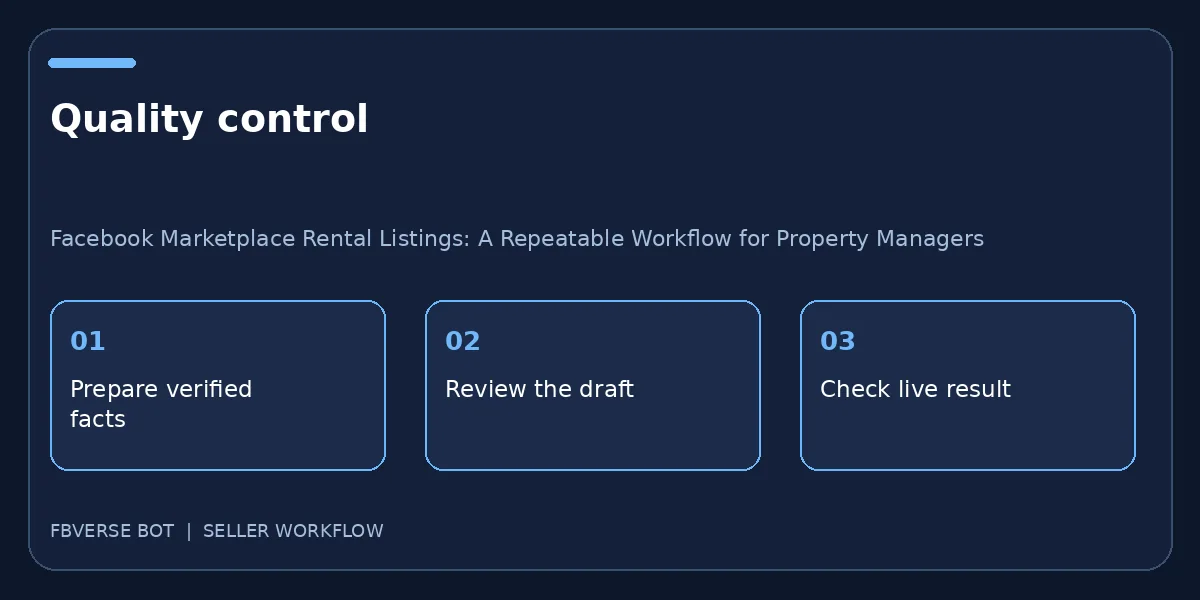
A three-step working checklist
- Verify the unit record. Verify the item details and that you have the right to list it.
- Review one test listing. Keep a record of the listing and review it after publishing.
- Retire leased units. Update the listing or mark it sold when facts change.
A unit handoff example
Imagine two apartments in the same building with different rents and availability dates. A reusable template can carry the building amenities, but each listing still needs its own unit ID, photos, floor area, lease details and approved rent. The leasing agent should compare the public preview with the property system before publication. When one applicant signs for Unit A, mark that unit leased and retire its ad; do not accidentally remove Unit B because the titles match. If an inquiry arrives after the change, answer with the correct status rather than automatically promoting an unavailable apartment. Keep tour records and applicant information in your normal secure process, not in a public listing or an open spreadsheet. This simple handoff is where a property-specific tool can save entry time, while careful staff ownership keeps the information current.
Frequently asked questions
Can I reuse photos of a similar unit?
Only with a clear disclosure that they are representative; photographs of the actual unit are better when available.
Does listing software decide whether an application is approved?
No. Keep application decisions in your lawful management process, not in an automatic Marketplace reply.
What should a rental listing say about availability?
Give the actual unit, current availability, price, location and key terms you can verify. Update the listing when those facts change.
Should an automatic reply promise a viewing time?
Only if the booking is confirmed against a real calendar or manager. Otherwise offer to check availability and have a person follow up.
Where FBVerse Bot fits
FBVerse Bot describes this feature at FBVerse Bot feature details. Use it to handle the repetitive part of the workflow, but review the output, follow current Marketplace rules, and do not assume any tool can guarantee ranking, sales or account status.
Further reading
Marketplace features and eligibility vary by account and region. Verify current rules in your own account before acting.