
Facebook Marketplace AI Listing Tools: Draft Better Titles and Descriptions

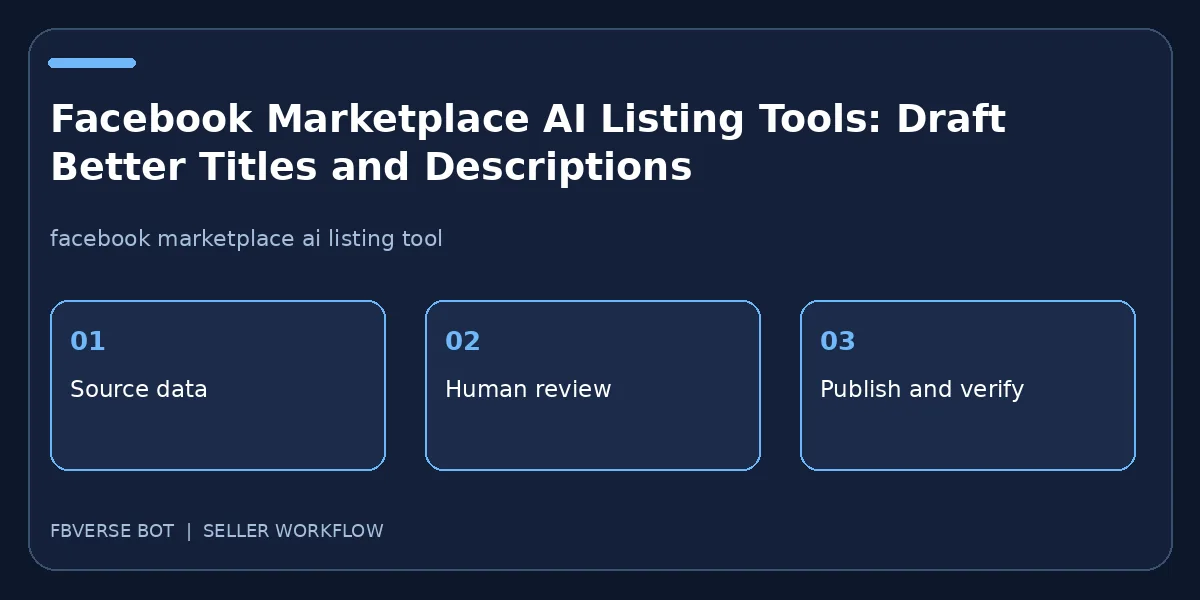
AI can turn a rough item record into a draft listing, but it cannot know whether a stain, repair or included accessory exists unless someone supplies that information. Meta announced its own AI tools for Marketplace listings in 2026, so sellers should distinguish native features from separate drafting tools. This guide focuses on accurate copy, meaningful photos and a review process before any generated text reaches buyers.
Start with a factual item brief
Write down the exact product name, brand, model, size, condition, asking price, pickup area and known flaws. Include measurements with units and a photo set of the actual item. For a vehicle or rental, add the appropriate category-specific fields and current availability. Keep seller opinions apart from verifiable attributes. “Comfortable” is subjective; “seat width 54 cm” is measurable. The better the input brief, the less likely an AI draft will fill gaps with plausible but false details. If you do not know the age or material, leave it unknown. An AI model is not an inspector, a mechanic or a property manager.
Choose a title that matches buyer language
The title should identify the item in plain English, with one or two attributes a buyer would filter by. Do not force every synonym into it. Compare the suggested title with the actual category and local buyer phrasing. For example, a specific car model and year belong near the front; “amazing deal” tells a buyer little. A generic title generator can mistake a model number for a quantity or a street name for a brand. Correct those mistakes manually. If the listing software offers suggestions, treat them as choices, not instructions to publish. Make sure no competitor brand or unrelated keyword is slipped into copy merely to attract search traffic.
Build a description that answers real questions
Lead with what the item is, its condition and anything unusual a buyer must know. Then cover dimensions or specifications, included parts, known faults and pickup or delivery terms. Write in short paragraphs rather than a solid block of promotional text. An AI draft can improve organization, but ask it to use only supplied facts and to mark unknowns for review. Check quantities, currency, dates and promises with the source record. Never fabricate a warranty, “like new” condition, no-accident history or available parking. A useful description reduces repetitive buyer questions because it tells them what they need to decide whether to visit.
Review the image set as carefully as the words
AI cannot make a misleading photo accurate by adding a caption. Select a clear primary image of the actual product, then supporting angles and close-ups of defects. Preserve natural colors and proportions. If editing removes a busy background, check that it does not erase visible damage or create an incorrect edge. Consider stripping location metadata for privacy if appropriate, but keep the image truthful. On mobile, inspect whether the first image is cropped and whether the description's most useful sentence is visible before a buyer taps to expand. Store the original photos in case a disputed edit needs to be checked.
Fit a tool into the publishing workflow
Meta's native AI listing features may vary by account, region and category. FBVerse Bot describes AI-assisted listing drafts and templates for photos, titles, price, category and location. Evaluate both against the real task: do they preserve approved facts, let you edit the draft and show the final buyer-facing page? Avoid claiming that either one improves ranking automatically. A test with five varied items can expose category mistakes or repetitive wording before a larger batch. Assign a reviewer and record which copy was changed. A good tool helps people publish better information faster; it does not remove seller responsibility.
Learn from buyer questions and corrections
After publication, collect the questions buyers repeatedly ask. If they all ask for dimensions, add dimensions to the brief and future template. If a generated description misstated a feature, correct the live listing and the source record so the error does not recur. Compare inquiry quality and correction rates, not just the number of drafted ads. Retire sold listings promptly. Search language changes and platform interfaces change, so revisit templates periodically. The same careful review that protects the first listing should continue as inventory and prices move.
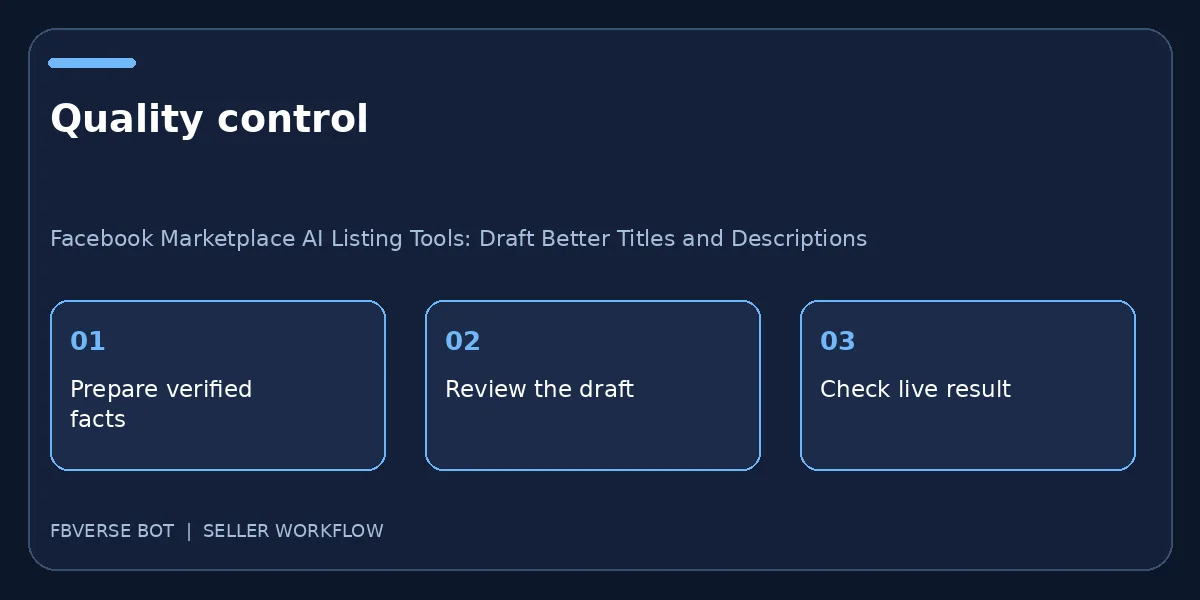
A three-step working checklist
- Create a fact-only brief. Verify the item details and that you have the right to list it.
- Review the AI draft. Keep a record of the listing and review it after publishing.
- Check the live listing. Update the listing or mark it sold when facts change.
A fact-check pass before publication
Read the generated draft as a buyer would. Circle every factual statement about age, material, dimensions, warranty, defects, included accessories and availability. Find a source for each one in the item brief or remove it. Then read the title aloud: would the right buyer recognize the product, and would someone searching the exact model find it? Check whether the first photograph shows the same variant as the title. Confirm that a location is not inferred from a shipping address and that the price has the intended currency. Finally, inspect the public preview on mobile, because the opening lines may be all a buyer sees. Store the corrected version as a template only if the template separates reusable language from item-specific facts. This review usually takes less time than handling a misled buyer later.
Frequently asked questions
Can an AI tool verify product condition?
No. The seller must inspect the product and check every condition claim against the actual item.
Does AI-written copy guarantee Marketplace search placement?
No. A clear, accurate listing can help buyers understand the item, but no drafting tool guarantees rank or sales.
What information should I give an AI listing tool?
Start with verified facts such as brand, model, condition, included items, price and pickup area. Do not ask it to invent missing specifications.
Should I publish an AI-written listing without reviewing it?
No. Check the draft against the item and photos, remove unsupported claims and edit it into clear language before publishing.
Where FBVerse Bot fits
FBVerse Bot describes this feature at FBVerse Bot feature details. Use it to handle the repetitive part of the workflow, but review the output, follow current Marketplace rules, and do not assume any tool can guarantee ranking, sales or account status.
Further reading
Marketplace features and eligibility vary by account and region. Verify current rules in your own account before acting.