
Facebook Marketplace Car Listing Template: Photos, Details, and Posting Workflow
A good car ad gives buyers enough facts to decide whether to contact you and enough evidence to trust the description. A template helps a dealer or private seller keep details consistent across vehicles, but the template should never invent a clean title or omit damage. Use this guide to gather facts, photograph the actual vehicle and review the live listing before responding to leads.
Gather the vehicle facts before writing
Start an internal record with year, make, model, trim, mileage, transmission, fuel type, color, asking price and location. Verify the VIN against the vehicle and paperwork before entering it into software. Record title status as the documents show, not as you wish it were. Note recent service, known mechanical issues, accidents or cosmetic defects when applicable. The paperwork and local legal requirements matter more than a generic online template. If a dealership has a feed, assign a unique stock ID and identify who updates that feed when a car sells. The public ad must be accurate when published, not merely accurate on the morning someone exported the spreadsheet.
Use a title that helps the right buyer
A clear title combines the year, make, model and relevant trim or condition. Avoid shouting “MUST SELL” in place of basic details. In the description, lead with the strongest verifiable facts: mileage, service history, options, known faults, and what is included. State whether the price is firm or negotiable if that is your real policy. Financing or warranty claims need specific terms; do not imply they exist when they do not. Put test-drive and contact steps at the end. If a lead keeps asking the same question, add the answer to the listing rather than depending on a scripted reply forever. Buyer trust is worth more than repeating a keyword ten times.
Photograph the actual car from useful angles
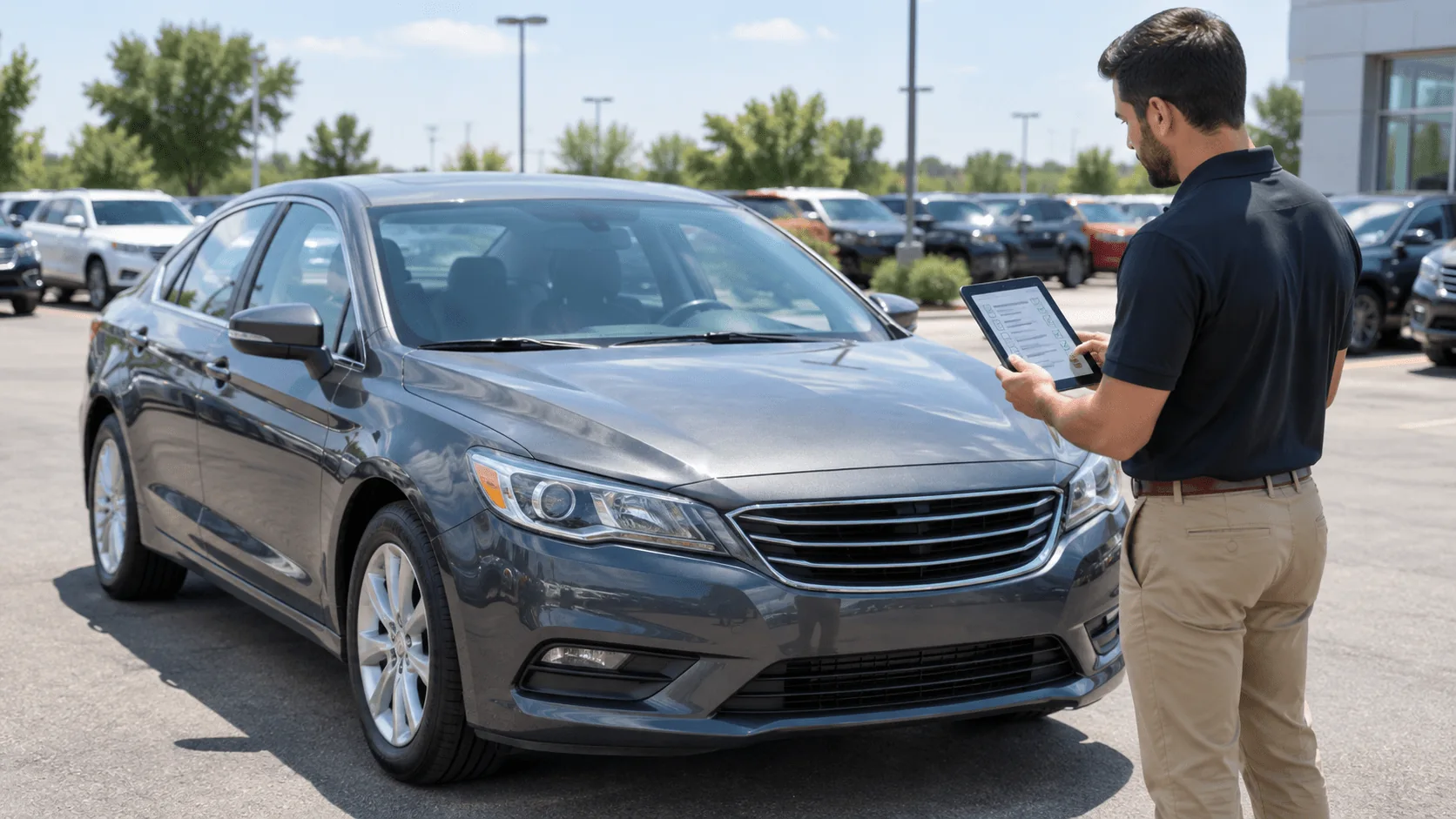
Take a clean front three-quarter, rear three-quarter and both side views, plus the cabin, dashboard, odometer, tires and any damage you disclose. Use daylight and remove unrelated people or sensitive documents from the frame. Do not use a manufacturer's stock photograph as the only image of a used car. Check that the photo order leads with the most informative image and that each file belongs to this stock ID. A close-up of a scratch can save an awkward appointment. If images are adjusted, preserve the true color and condition; an editing tool should never erase defects or create accessories that are not present.
Map the record to Marketplace fields
Vehicle categories have fields that differ from ordinary item listings. FBVerse Bot's vehicle listing page describes VIN decoding, mileage, transmission, body style and title-status fields. Treat automated decoding as a data-entry aid, then compare the output with the vehicle and title paperwork. Confirm that the category, location, price and contact route are right. Use one approved listing per vehicle unless there is a legitimate reason and the platform permits otherwise. Dealer accounts and private sellers may have different access and policies, so check the actual posting flow on the intended account before scaling a batch.
Review the published listing like a buyer
Open the live page and read it on a phone. Is the first photo clear? Is the price correct? Is the mileage consistent with the text? Does the location match where the vehicle can be viewed? Record the listing URL next to the stock ID. If a vehicle is sold, update the inventory record and the Marketplace listing promptly. If the asking price changes, edit the existing record where available and log the change. Buyers may have screenshotted the old price, so a clear, polite reply is better than pretending nothing changed.
Turn inquiries into qualified visits
An “is it available?” message is an opening, not a firm appointment. Answer truthfully, share a short set of details, and ask what the buyer needs to know before traveling. Offer a viewing window you can actually keep. Avoid sending sensitive documents or asking a buyer to move to an unsafe payment channel. If using AI-assisted replies, review the knowledge base and monitor answers about price, availability and title. Give staff an easy way to take over unusual questions. Measure appointments kept and vehicles sold, not just messages received.
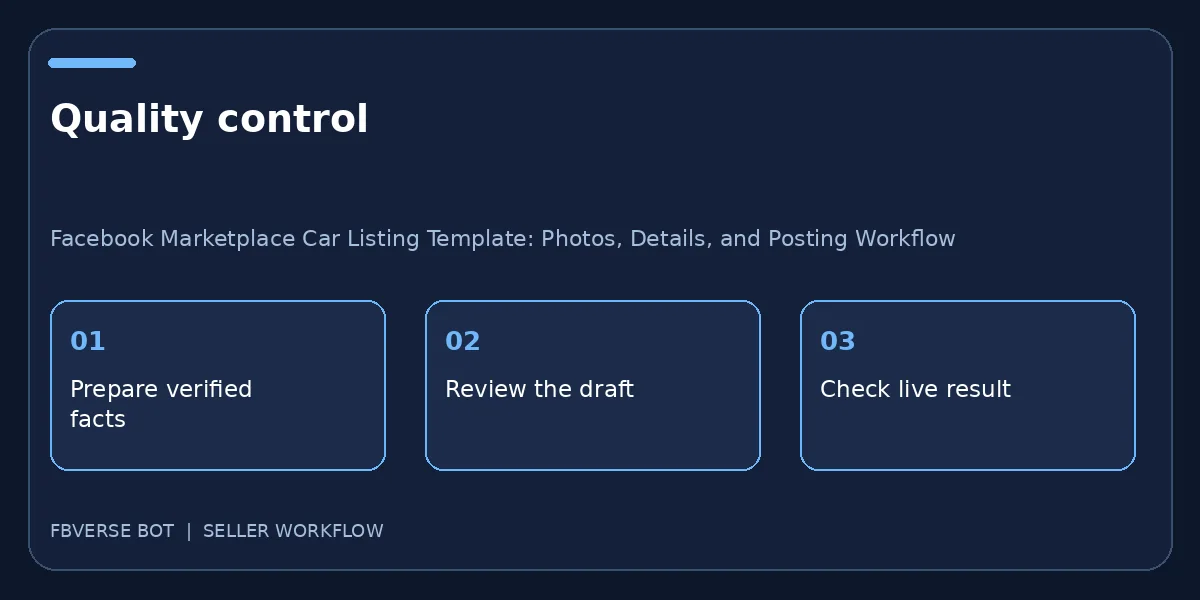
A three-step working checklist
- Verify VIN and stock record. Verify the item details and that you have the right to list it.
- Publish reviewed vehicle fields. Keep a record of the listing and review it after publishing.
- Update status after sale. Update the listing or mark it sold when facts change.
A short vehicle listing worksheet
Draft a vehicle record as if another salesperson will take over tomorrow. Put the stock ID at the top, then year, make, model, trim, mileage, VIN verified against paperwork, asking price and actual viewing location. Add a condition note with specific repairs and visible defects. List the photographs in the order a buyer will see them and flag any missing shot. Reserve a separate field for title and financing statements that require documentary confirmation; do not let a copy generator infer them. After publishing, add the live URL, the person who checked the listing and the timestamp of the last stock verification. When a lead books a visit, check the car is still available and the details still match. This worksheet is not a substitute for local legal disclosure rules, but it makes a public claim traceable to an internal source.
Frequently asked questions
Should a VIN decoder replace a physical check?
No. Compare the decoded information with the actual car and paperwork before making a public claim.
How many photos should a car listing include?
Enough to show the exterior, interior, mileage and known defects clearly. Choose useful evidence rather than a fixed count.
Which vehicle details should I verify before posting?
Check year, make, model, trim, mileage, condition, price and ownership paperwork against the actual car. Describe known defects plainly.
Should I list a car that has already sold?
No. Update or remove the public listing when the vehicle is sold so buyers do not rely on stale availability.
Where FBVerse Bot fits
FBVerse Bot describes this feature at FBVerse Bot feature details. Use it to handle the repetitive part of the workflow, but review the output, follow current Marketplace rules, and do not assume any tool can guarantee ranking, sales or account status.
Further reading
Marketplace features and eligibility vary by account and region. Verify current rules in your own account before acting.