
Facebook Marketplace Auto Reply: How to Answer Buyers Without Losing Leads

A fast reply can keep a conversation alive, but a wrong automatic answer can cost trust. A buyer may ask about availability, a defect, delivery or the exact pickup address, and those questions need different handling. Use auto replies for repeated, factual questions, while preserving a clear path to a person. This guide shows how to set up, test and monitor a Marketplace reply workflow.
Identify the questions worth automating
Review recent buyer messages and group them by intent: availability, condition, dimensions, location, price, pickup timing and payment. Draft a concise answer for each group from the current item record. If the item is already sold, no “yes, available” reply should be sent. Create a list of questions that must be handed to a person, such as a dispute, a safety concern, a request for a discount outside policy or a question about a defect that the record does not cover. A generic paragraph pasted into every thread does not make buyers feel helped. The goal is a useful first answer that narrows the next decision.
Connect replies to reliable inventory facts
An AI responder needs a current source of truth. Keep the item's price, stock ID, pickup area, measurements and availability status linked to the active listing. Check that the system can distinguish similarly named items. A buyer asking about a black desk should not receive the dimensions of a white cabinet. Where a field is missing, the safe response is to offer a human follow-up rather than invent a value. Update the knowledge base when an item sells or a price changes. Audit a small sample of outgoing messages daily during the pilot, because seemingly harmless mistakes can create hours of cleanup.
Write clear, honest first replies
For “Is it available?”, confirm only if the item is still on hand, then offer a meaningful next step. For “Where are you?”, provide a general pickup area first and share more detail when appropriate. For a low offer, follow the seller's actual negotiation policy instead of making an unsupported promise. Keep messages short and natural. Do not ask a stranger to send a verification code, sensitive financial details or an off-platform payment just to see the product. If the platform itself already offers an AI reply feature, compare its controls and eligibility in your account before adding another layer.
Test difficult conversations
Before enabling automated replies broadly, simulate at least ten message types: a sold item, a price challenge, conflicting product details, a late-night inquiry, an angry buyer, a request for shipping, a vehicle title question, a rental showing request, spam and a language mismatch. Check what the software sends and how a person takes over. If there is no way to pause or override replies, restrict the pilot to a small set of simple listings. Review the buyer-facing message, not just a dashboard preview, because placeholders sometimes survive into the sent text. Record mistakes and revise the source data as well as the template.
Use FBVerse Bot with human oversight
FBVerse Bot's AI auto-reply page says it can respond to common Marketplace questions, use inventory context and capture lead details. Verify those capabilities in your own configuration and keep staff available for exceptions. Set limits on which facts the tool can state without review, especially availability, legal terms and prices. Make a clean escalation path to a human contact. Auto replies are not a substitute for complying with Meta's current messaging rules or obtaining consent where required. A tool may help triage; the seller still owns the conversation and any promise made in it.
Judge outcomes beyond reply speed
Track unanswered questions, inaccurate answers, conversations reaching a real appointment and buyers who disengage after the first response. Faster is not automatically better if the answer is irrelevant. Ask staff which handoffs take too long and whether the message history provides enough context. A reply workflow should save time on repeated facts while freeing people to handle negotiation, scheduling and unusual requests. Pause or revise it when the inventory feed becomes stale. Keep a record of what changed so the team can understand whether a new reply template improved results.
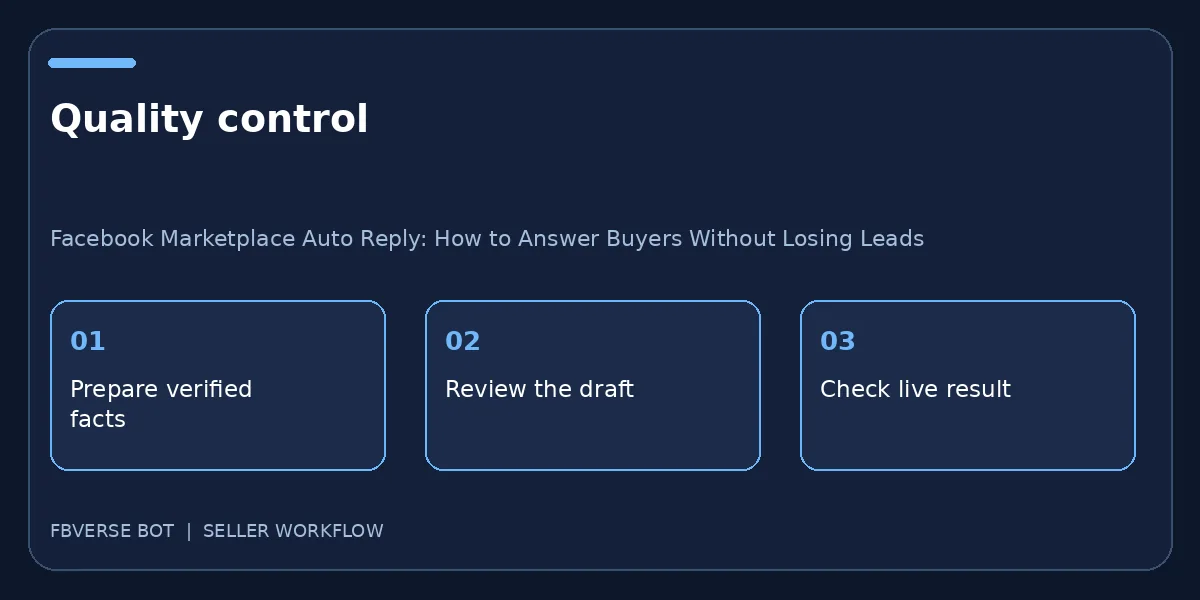
A three-step working checklist
- Group recurring questions. Verify the item details and that you have the right to list it.
- Pilot with current inventory. Keep a record of the listing and review it after publishing.
- Audit and escalate exceptions. Update the listing or mark it sold when facts change.
Sample routing rules to test
For a current item, an availability question can receive a short factual response and a next step. For a sold item, the automation must not promise a viewing. For a question about an unrecorded defect, route to a person rather than guessing. For a request to share a one-time code or move payment through a suspicious link, do not automatically comply; use the platform safety guidance. For an angry buyer, a person should read the history before responding. A vehicle title question or a rental eligibility question can have legal consequences, so review the source record and local rules. Keep these routing rules visible to staff. Test them with messages that look similar on the surface but need different outcomes. A responder that knows when to stop is more valuable than one that sends a confident answer to every question.
Final quality check before publishing
One more operational check makes this process useful: pick an item that has already changed status, such as a sold product or a withdrawn rental. Walk through the exact steps the team would take now, and see whether the public page, the source record and any automatic reply all agree. If they do not, pause further batches and fix the connection between those records. A published listing is not an isolated piece of text; it is part of an ongoing promise to a buyer. Keep the correction traceable with a date, owner and final URL so the same issue is less likely to recur.
Frequently asked questions
Should every buyer question receive an automatic answer?
No. Route uncertain, sensitive and consequential questions to a person.
What should a bot say when it does not know the answer?
It should say that a person will check, rather than guessing about price, condition or availability.
Which buyer questions need a human reply?
Have a person handle uncertain availability, condition, price negotiation, payments, safety concerns and anything the saved item record cannot prove.
How do I keep auto replies accurate?
Use current item records, set a clear fallback to a person and check that sold or reserved items stop receiving availability claims.
Where FBVerse Bot fits
FBVerse Bot describes this feature at FBVerse Bot feature details. Use it to handle the repetitive part of the workflow, but review the output, follow current Marketplace rules, and do not assume any tool can guarantee ranking, sales or account status.
Further reading
Marketplace features and eligibility vary by account and region. Verify current rules in your own account before acting.