
Centralized Account & Browser Manager
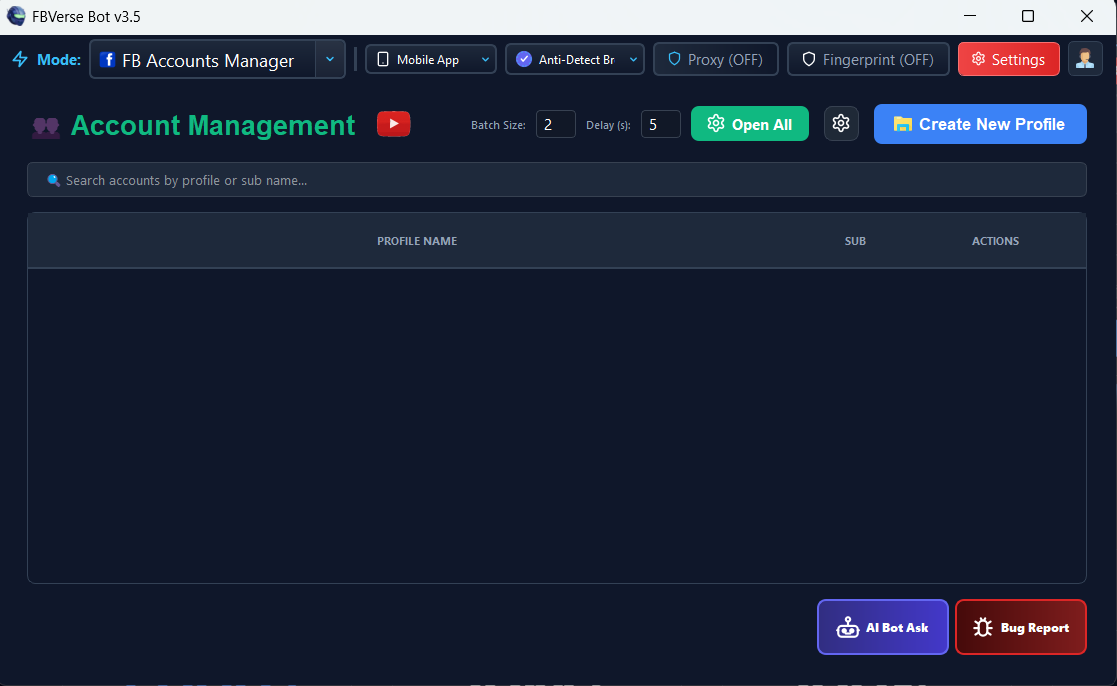
Command center to orchestrate hundreds of Facebook seller accounts, proxies, listing queues, and active browser windows in one unified dashboard.
Technical Specifications & Parameters
Architectural Overview
Step-by-Step Operation Guide
Launch FBVerse Bot v3.5 to access the main account management table.
View account list showing Status, User ID, Alerts, and Quick Action buttons.
Click "Launch" next to any account to open its isolated browser session.
Use the top menu to toggle between Listing Mode, Auto Reply, and Warmup.
Monitor active automation tasks across all accounts from the central log stream.
Strategic Advantages
Gives agency owners and power sellers a bird’s-eye view of their entire operational fleet.
Prevents accidental logins without proxies or cross-account mixing.
Tiles multiple active browser windows neatly across your screen for easy visual tracking.
Streamlines onboarding for staff and virtual assistants.
Frequently Asked Questions
Can I sort accounts by niche or client?
Yes. You can assign custom categories and tags to group car dealership accounts, real estate accounts, and e-commerce profiles.
What happens if one account gets a checkpoint?
The status indicator turns red with an alert badge, allowing you to address it immediately without interrupting your other accounts.
Can multiple team members use the same software license?
Licensing is per workstation, but profiles and data can be shared across workstations via network sync.
Ready to deploy Centralized Account & Browser Manager?
Get instant access to this feature along with all 16 enterprise modules in the latest FBVerse Bot v3.5 release.
Explore More v3.5 Innovations
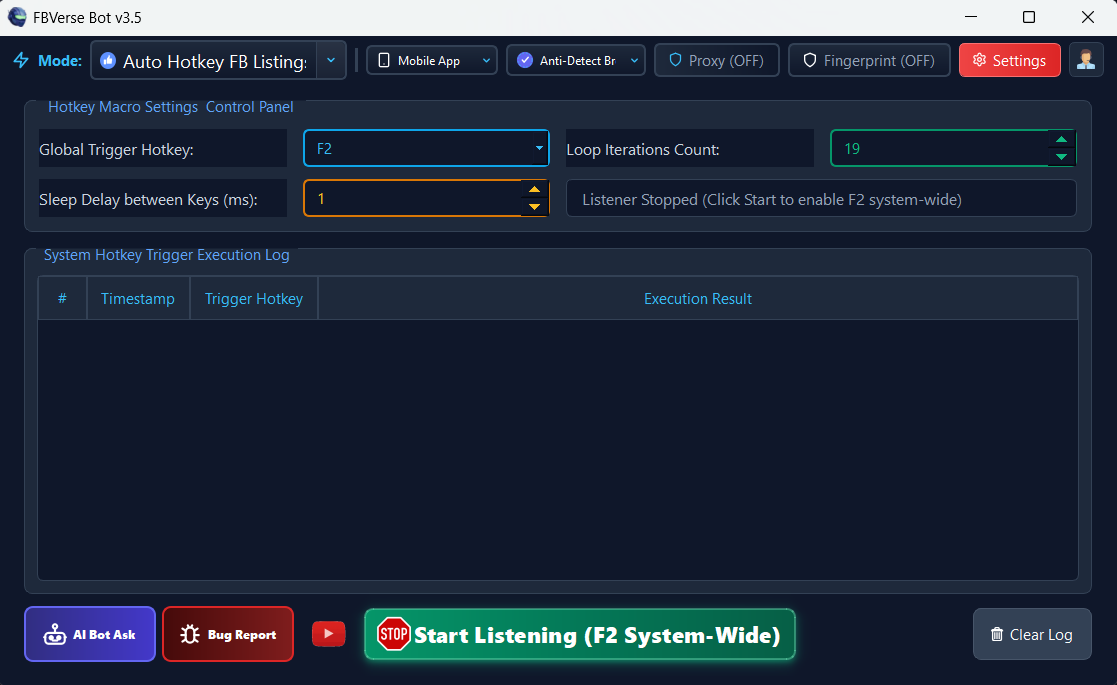
F2 Hotkey Instant Listing Renewal
Renew active Facebook Marketplace listings instantly with a single F2 keystroke without logging out or refreshing sessions.
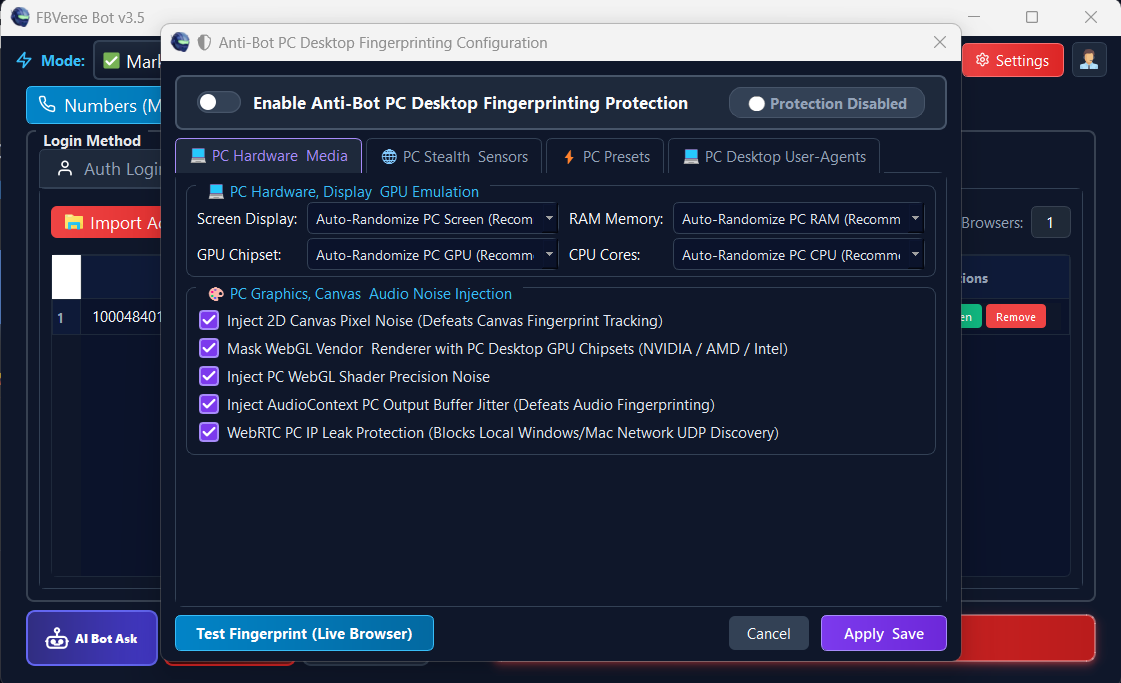
Advanced Anti-Bot Fingerprint Protection
Spoof Canvas, WebGL, AudioContext, Font enumeration, and ClientRects to completely bypass Meta detection.
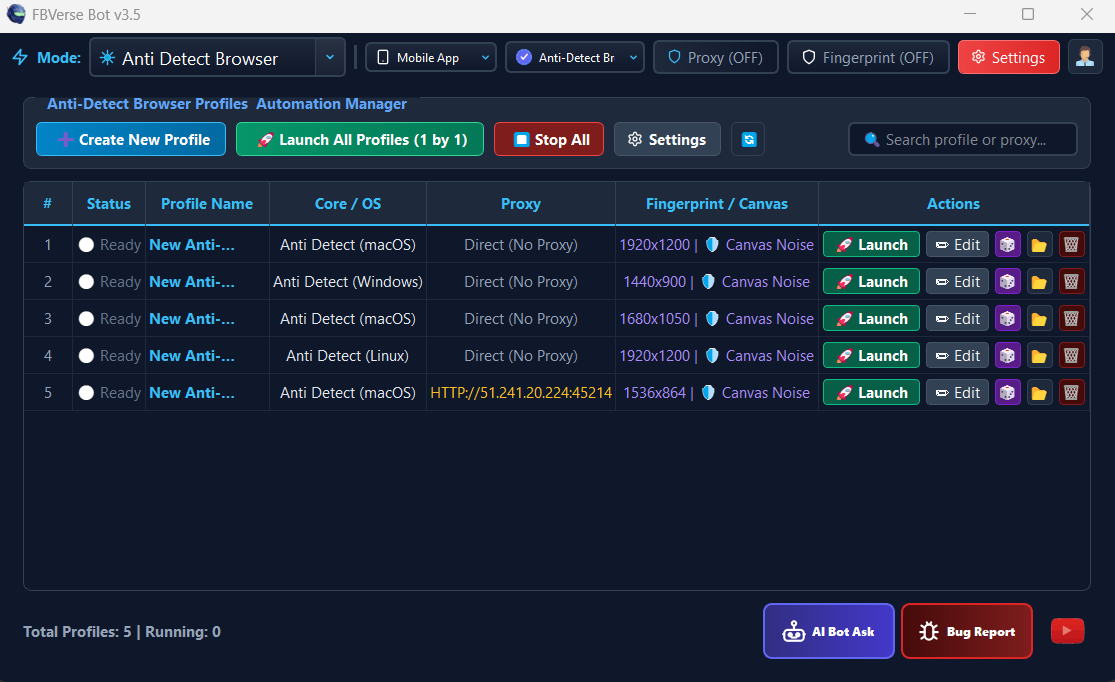
Anti-Detect Browser with Unlimited Profiles
Isolated multi-profile browser environment running unlimited independent Facebook sessions with dedicated proxy tunneling.