
Custom Hotkeys & Quick Macro Automation
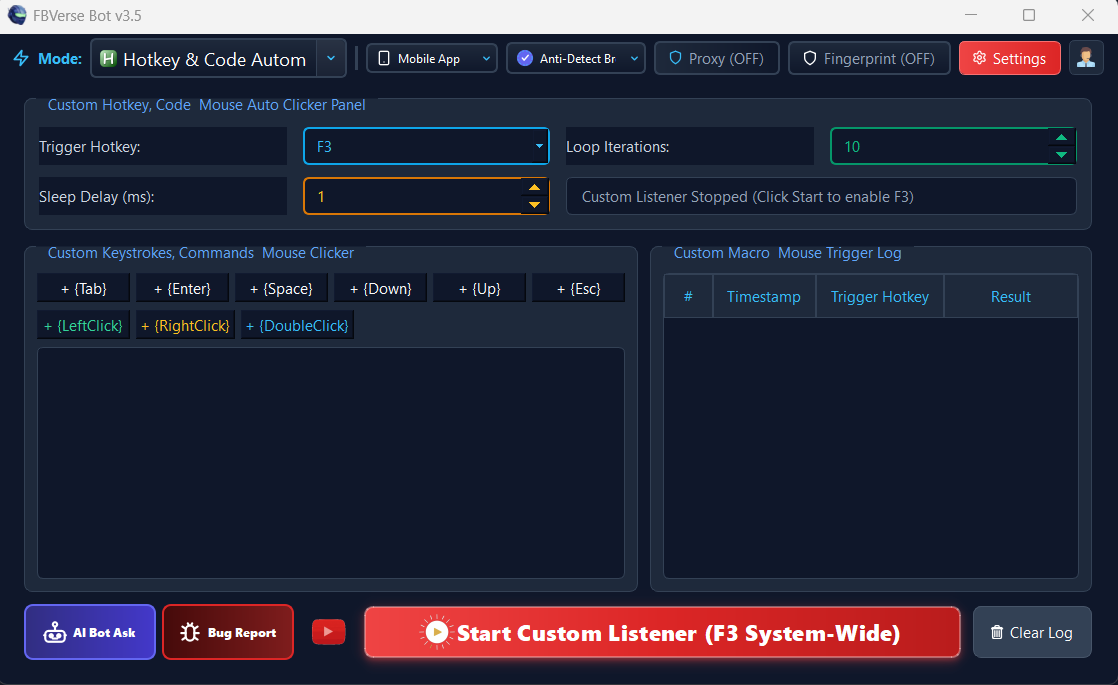
Bind your most frequent publishing, renewing, and account switching actions to global keyboard shortcuts for lightning-fast workflows.
Technical Specifications & Parameters
Architectural Overview
Step-by-Step Operation Guide
Navigate to the Hotkey & Automation settings tab in v3.5.
Select the macro action (e.g. "Renew Focused Listing", "Switch Next Profile").
Assign your preferred key combination (e.g. F2, Ctrl+Shift+R).
Configure execution parameters and click "Activate Hotkeys".
Use your shortcuts anytime while browsing to trigger automated workflows.
Strategic Advantages
Accelerates daily inventory management by up to 10x over manual navigation.
Keeps high-frequency manual sellers in total command without clicking through menus.
Emergency killswitch halts any running macro instantly if needed.
Custom profiles allow different keybindings per employee or workstation.
Frequently Asked Questions
Can I customize the hotkey combinations?
Yes. You can assign function keys (F1-F12) or any combination of Ctrl, Alt, Shift, and alphanumeric keys.
Is there an emergency stop shortcut?
Yes. Pressing the Escape key or Pause Break instantly terminates any active macro sequence.
Does it work when the bot window is minimized?
Yes. The hotkeys are registered globally at the operating system level.
Ready to deploy Custom Hotkeys & Quick Macro Automation?
Get instant access to this feature along with all 16 enterprise modules in the latest FBVerse Bot v3.5 release.
Explore More v3.5 Innovations
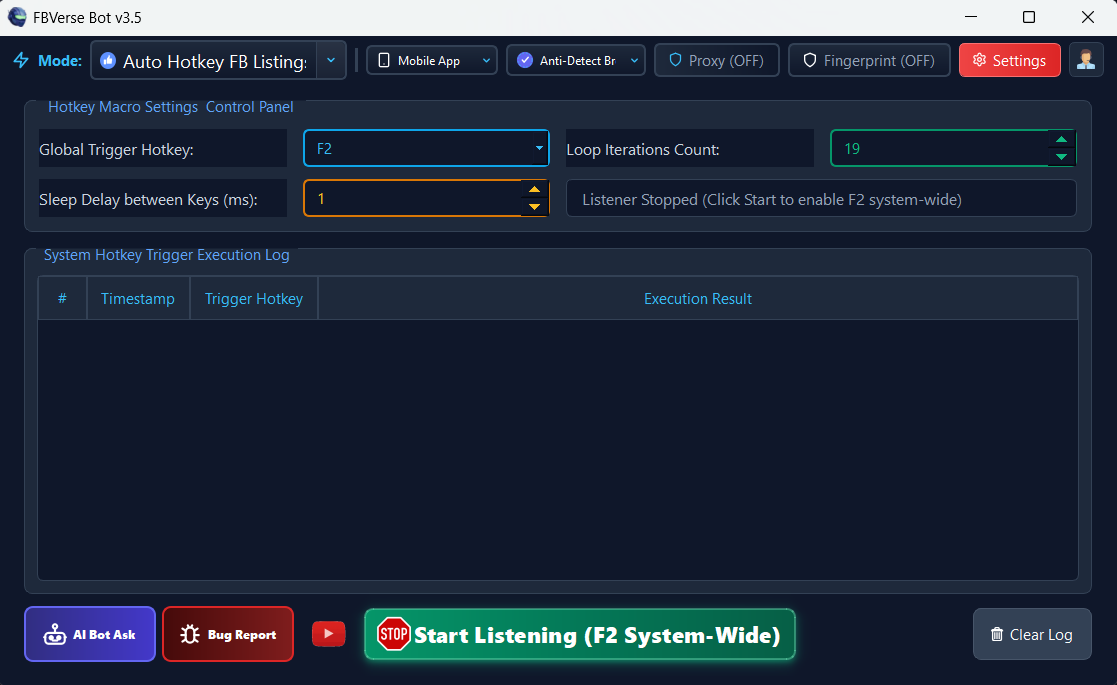
F2 Hotkey Instant Listing Renewal
Renew active Facebook Marketplace listings instantly with a single F2 keystroke without logging out or refreshing sessions.
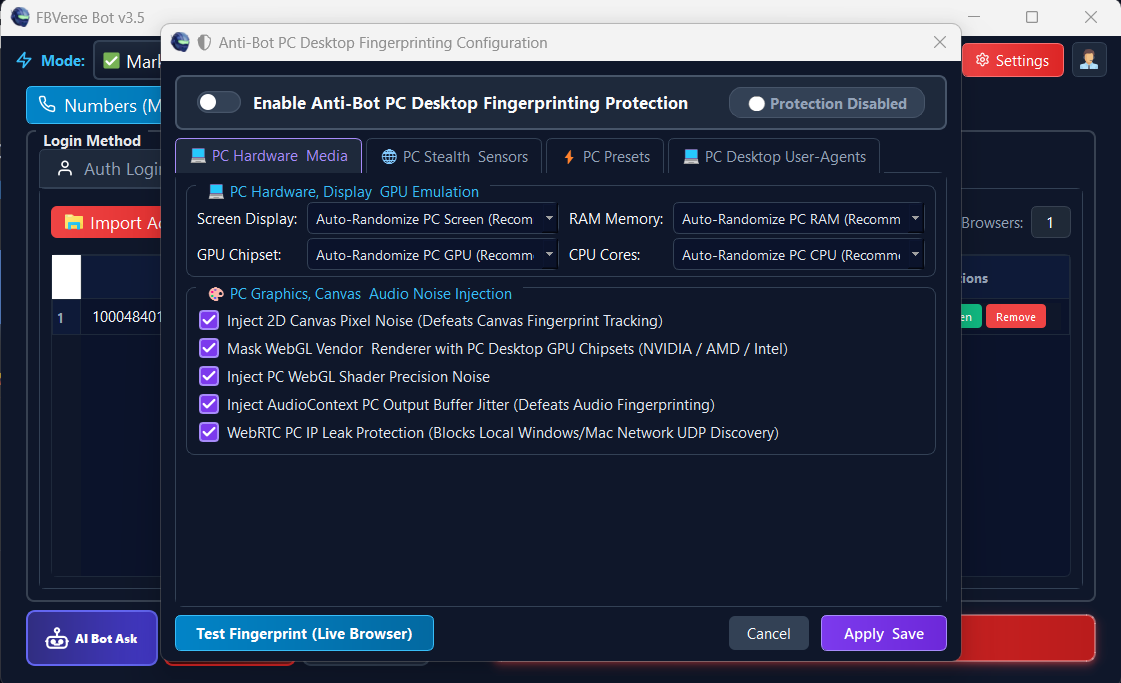
Advanced Anti-Bot Fingerprint Protection
Spoof Canvas, WebGL, AudioContext, Font enumeration, and ClientRects to completely bypass Meta detection.
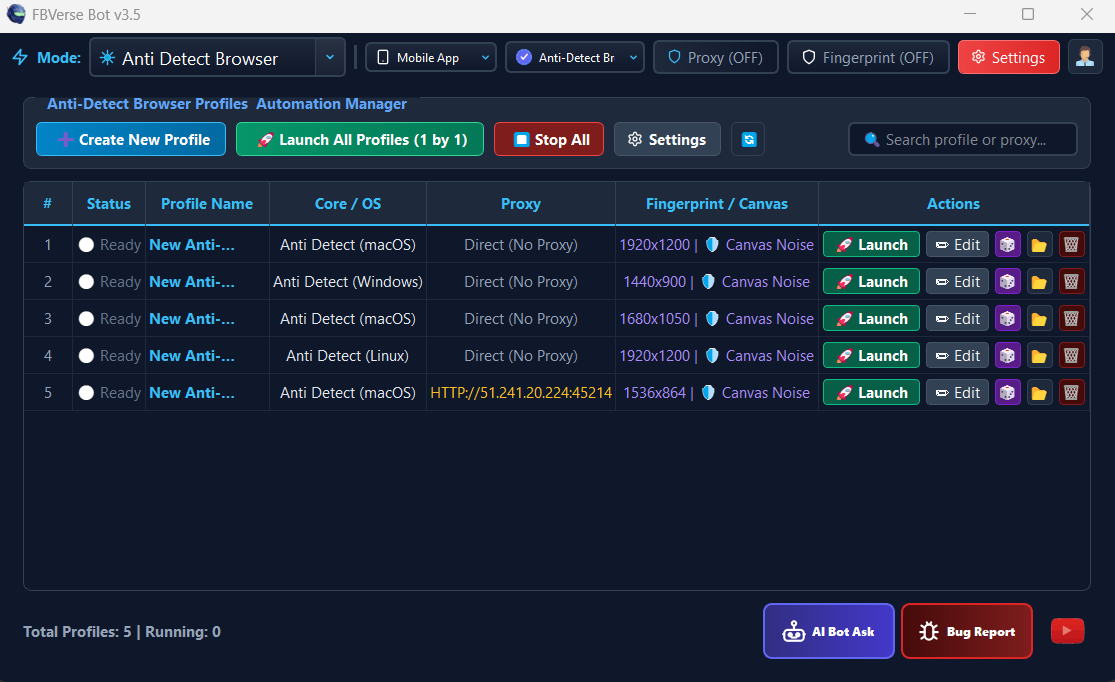
Anti-Detect Browser with Unlimited Profiles
Isolated multi-profile browser environment running unlimited independent Facebook sessions with dedicated proxy tunneling.